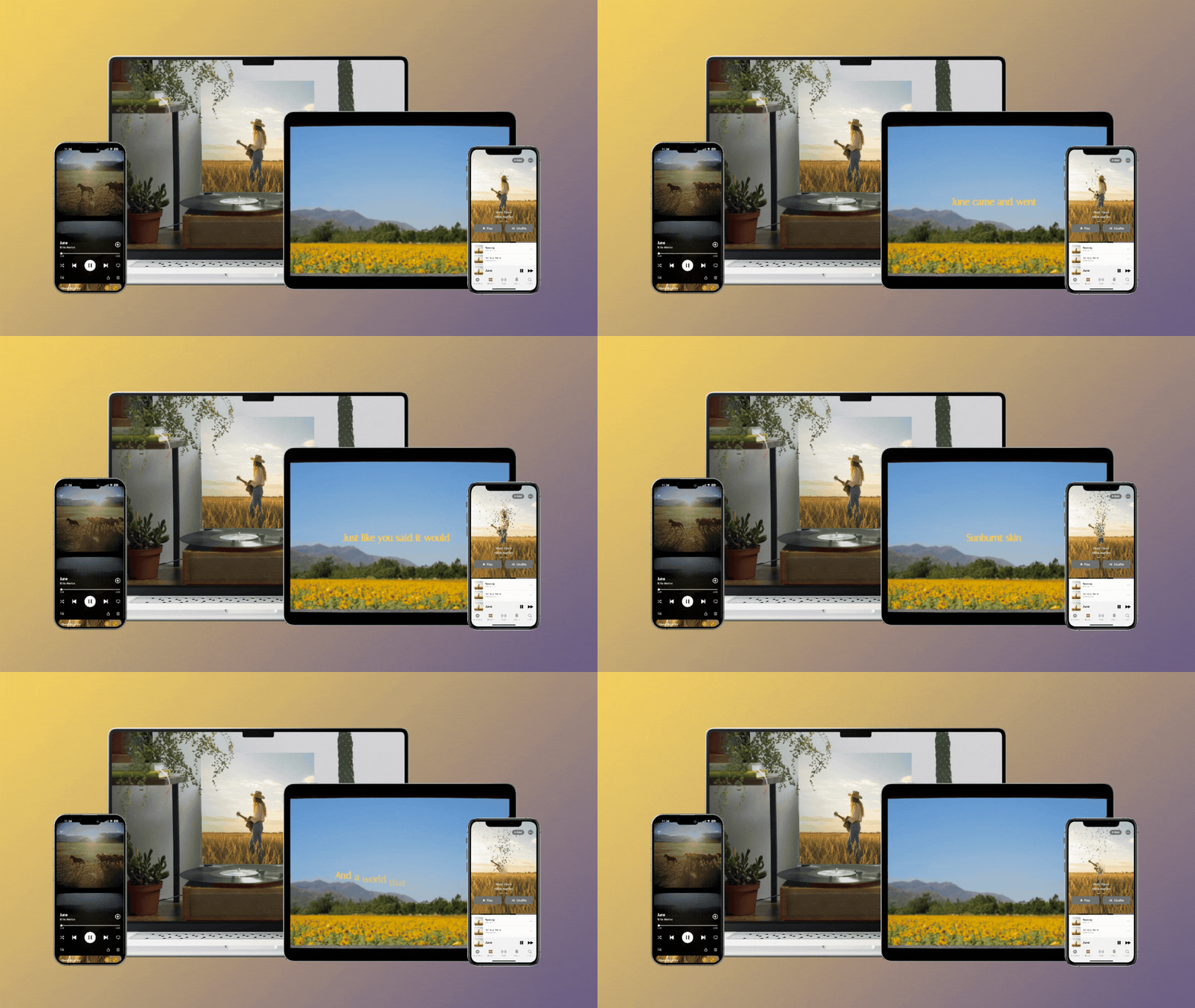
The luck of the Irish must be strong, because your favourite music marketing blog is here to make this March one to remember – with even more tips and tricks that are essential to your artist journey!
Last month, we talked about how placing videos at the centre of your promotional strategy builds your brand, defines your identity and fosters meaningful connections with your fans.
You eagle-eyed readers might have noticed we were a little short on one key takeaway – posting your videos on social media! As we mentioned, your job as an independent musician isn’t over after you finish recording your track. Learning the how-to’s of social media is just as important to a musician’s success as streaming and ticket number sales.
From Instagram and TikTok to YouTube and Facebook, optimized video content can lead to enhanced SEO, improved engagement, broader reach and so much more.
If your palms just started sweating, wipe ‘em off and don’t worry. We get it: in the great, big, vastness of the music industry and social media, it’s difficult to navigate how they intertwine, and what makes the most sense for you and your platform’s goals.
So, where do you start? Continue reading to learn all about how to optimize your video content for platforms and maximize your promo’s impact on every screen. Let’s jump in!
Interaction vs. Engagement: Does it Matter?
Before we get into posting your videos, you need to understand how to measure its performance, and what all those little numbers at the bottom of your screen mean. Knowing the difference between interaction and engagement is crucial in optimizing your social media strategy. Here’s the rundown:
Engagement refers to specific metrics, measuring the level of interaction users have with your content. This means fundamental indicators such as Likes, Shares, Comments, clickthrough rates (CTR) and traffic sources.
Interaction, on the other hand, is a broader term that includes any form of user activity. It’s a combination of content engagement and how actionable your audience is with that content.
Platforms, Posting and Promotion: Oh My!
Every social media platform has its own strengths and weaknesses, so posting the right type of video in the right place can make all the difference. When it comes to uploading your content, you should be present on the platforms where you find most of your audience. For you, this could mean building a profile on every results-driven platform out there. However, for most, it means focusing your energy on where your content gets the most engagement.
Let’s start with one of the most expansive and fast-growing mediums in recent years – TikTok! Best known for explosive virality with its trends, challenges and user-generated content, the platform has also become a crucial tool for music discovery.
When it comes to TikTok, the trick is creating short, attention-grabbing videos that benefit from its unique formatting – showcasing adaptability and building consistency.
The best thing about short-form videos is that they don’t have to mean the crazy dance or lip-syncing challenges you often encounter while doom-scrolling. Developing any sort of personality on the internet is about being the most authentic version of yourself, through all the uncertainty, shyness and vulnerability. Your fans want to know who you are, so show them!
TIKTOK TIPS
- Pick what you think is the best 15-60 seconds of your song; a catchy hook, funky production – you name it, the choice is yours.
- Know your direction! Want to go abstract and create a mood? Use visualizer clips or animations. Looking to tell a story? You’ll need to film or find clips that work together to build the narrative.
- Use fast cuts and quick movements; keep your video dynamic, visually engaging and exciting.
- Formatting: Vertical (9:16)
Pro Tip: Creating unique content for each platform can be time-consuming and tedious. Instead, maximize your impact by tweaking your visuals to fit each’s preferred format. With Rotor’s intuitive re-sizing tool, you maintain total crop control by making any video square (1:1) or vertical (9:16) at the touch of a button, effectively resizing your video without losing any of the action.
Instagram, as a whole, combines visual storytelling with music integration and audience engagement. From behind-the-scenes content to lyric video snippets, the platform is one of the best ways to reach new listeners, making it a powerful tool for growing your fanbase and driving traffic to your music. Snappy edits, eye-popping visuals and captions on screen are your secret weapons here.
INSTAGRAM INSIGHTS
- Reels (15-90 second videos) – perfect for short music clips, teasers and trends.
- Stories (15 second clips that disappear 24 hours from uploading) – great for behind-the-scenes updates, new music countdowns and quick announcements.
- Feed Videos (longer-form content) – ideal for performance clips, interviews, big updates and your full-scale brand as an artist.
- Formatting: Vertical (9:16)
Clocking in at over 2 billion monthly users, YouTube is the number one place where people discover new music through video. For artists and musicians, it’s a social media hub and search engine all rolled into one. When used effectively, you can create a stronger connection and enhance memorability with your fans. Visual appeal goes a long way, which means you should be hitting the “Upload” button with these tips in mind:
- Search Engine Optimization: Making sure your music or lyric video is set up for maximum discoverability is key. Your title should be clear, engaging and searchable. Use keywords that people actually type into YouTube’s search bar, relate to your music or the persona you’re trying to create as an artist. Avoid vague titles like: “My New Song” – they won’t help people find your video.
- Compelling Descriptions: Your video description is valuable real estate! Use it to introduce your song/album, include important links to your other social media platforms or encourage further engagement. Building community across platforms will prompt your viewers to comment, like and share your music amongst their own circles – so you can better understand what makes them click.
- Example: “Watch the official music video for ‘[Song Title]’ from my new album [Album Name], out now! Stream it here: [Streaming Link]. Don’t forget to follow me on [Social Media Platforms]!
- Relevant Tags: Tags help YouTube understand your video’s content. Use a mix of your artist name and song title, general music related tags (music video, new music video 2025, indie artist) and genre-specific tags (alt-rock, hip-hop, electronic, pop).
- Formatting: Widescreen (16:9)
Now Uploading: 99% Complete
Think of social media like a festival lineup: every platform has its own crowd, and your content needs to fit the audience. By tailoring your videos for each platform, you’re not just posting – you’re headlining, creating little experiences that pull people into your world.
We hope this post left you with impactful practices to help your music stand out online! Be sure to check back next month for more insider advice on bringing your visuals to life, one frame at a time.
Catch us in April,
The Rotor Videos Team