Our new AI-powered tool quickly generates a high-quality transcription that synchronizes with your audio, making stunning lyric video creation a breeze.
Lyric videos are more than just filler content; they’re a must-have, part of a modern release strategy. Audiences expect them, algorithms reward them and platforms thrive on them. From indies looking to grab attention on TikTok to labels rolling out polished YouTube premieres, getting your lyrics on screen is one of the fastest ways to connect your music with fans.
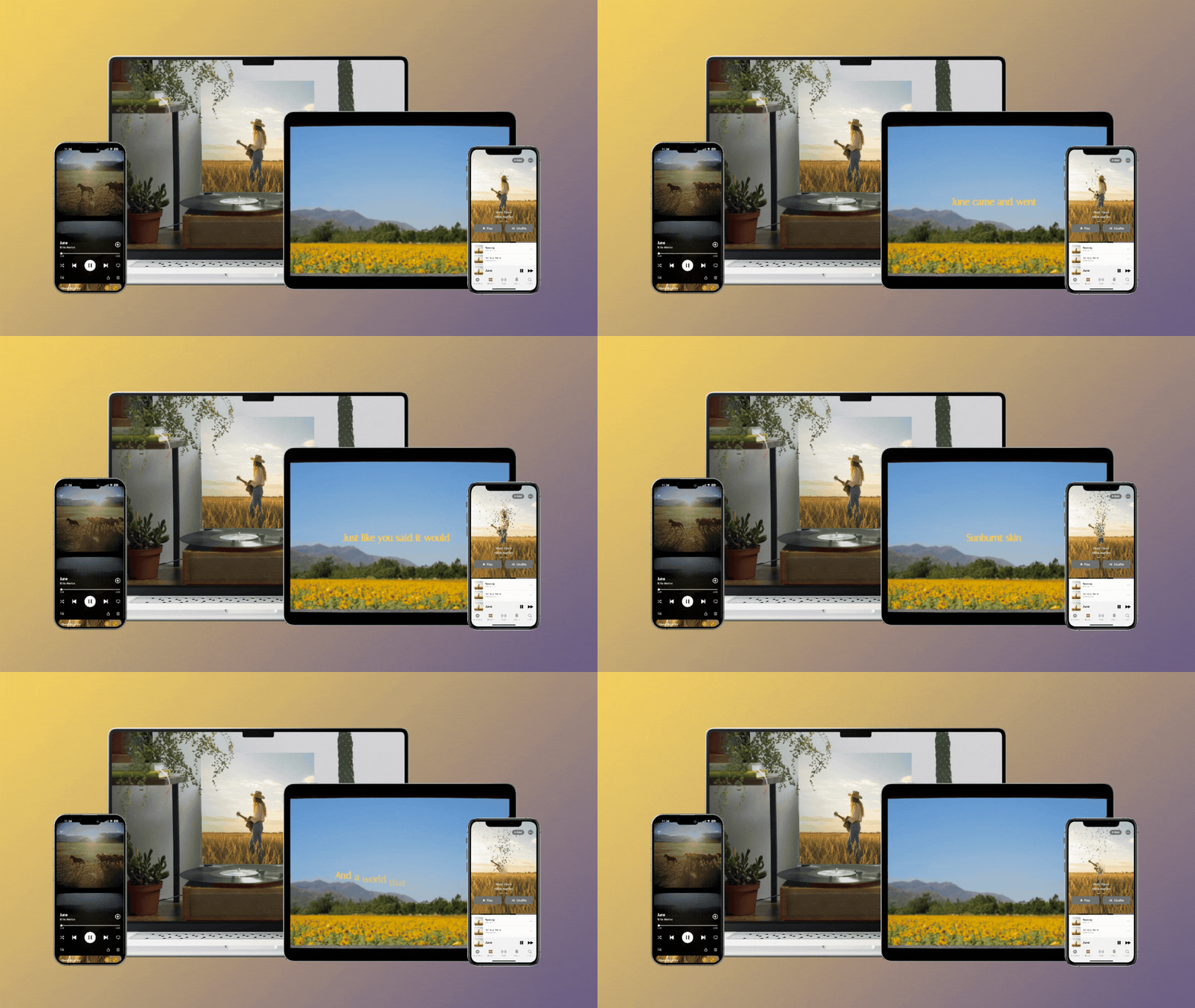
That’s why we’re excited to announce the magic of Rotor Videos’ NEW AI-powered transcribing and syncing tool, effortlessly lining up your audio to your lyrics to generate a full, high-quality transcription in a matter of seconds. Here’s how to add lyrics and create captivating, elevated visuals:
Step 1: Upload Your Song
Start simple: upload a new track, or select from a previous import. From there, head up to the button, “Transcribe & Sync with AI,” and hit Start. Rotor will take your audio and instantly generate a transcription of your lyrics.
Step 2: Edit & Sync – Without The Headache
Your lyrics and auto-sync are stored neatly under “Lyrics” in the toolbar. Here, you can get hands-on with tweaking, editing, and perfecting the timestamps on your transcription underneath the “Timings” tab. No fiddling with clunky software or manual syncing required — just clean, simple editing tools that make sure your vision comes to life.
Step 3: Customize Or Speed-Run
Once your lyrics are locked in, here’s where your creativity can flourish. Upload your own clips, or dive into our expansive stock footage library to find the style that matches your genre. From here, you can switch up your fonts, play with lyric animations and more – don’t be afraid to make it totally yours.
Building a campaign? No problem. You can save any templates you create to your library to access your style of choice for any future projects. Sleek, professional and ready for the world, Rotor Videos’ time-saving features will have you exporting in minutes.
Step 4: Preview & Export
Hit Play, double-check your creation, and then Download. After checkout, Rotor renders your video in full quality and gets it ready for YouTube, TikTok, Instagram Reels, Spotify Canvas, and beyond.
Visual learner? We get it. Check out our step-by-step tutorial down below to see the full process, from audio import to rendering.
Remember, you can ditch manual transcription processes on Rotor Videos with 25% off, using code SUMMER25 — now extended until September 30th! Don’t miss this chance to give your lyrics the visuals they deserve, for less.
PSST – hey, you! Our next session of Rotor Connects will give you even MORE tips on how to use our new tool to make killer lyric videos. Sign up for our newsletter at the bottom of this page, or keep an eye out on our social media for all the details -- including a special surprise for live attendees!
See you in October,
The Rotor Videos Team

.gif?width=600&height=300&name=RotorBlog_RotorAI(600x300).gif)