
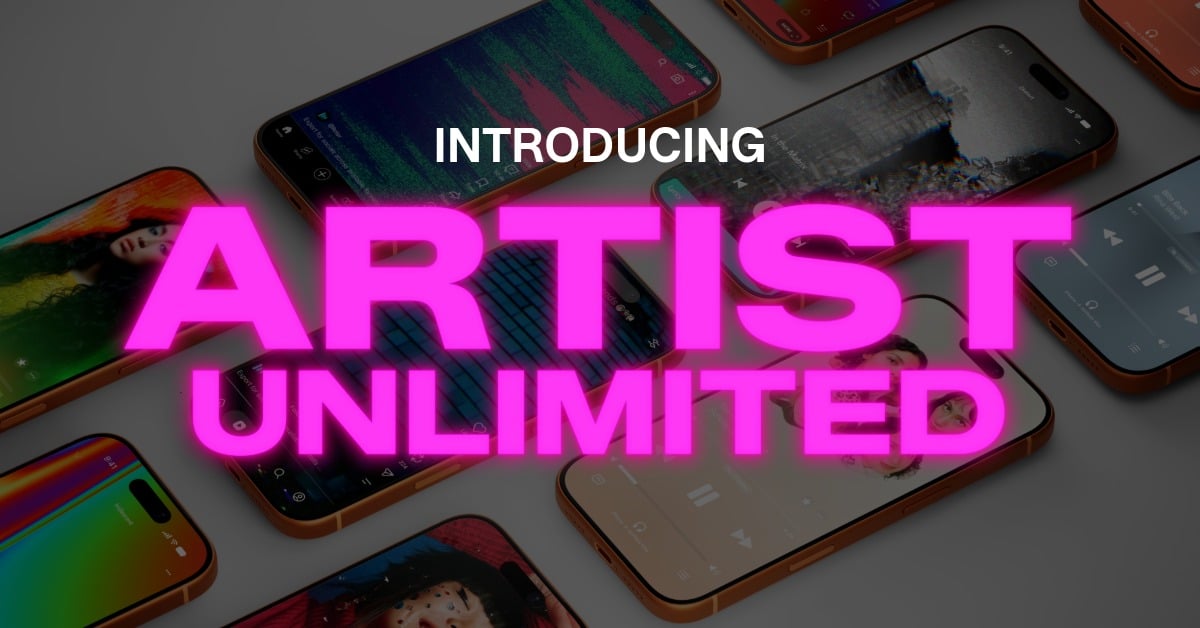

Canvas, Album Motion, lyric videos, music videos, and social clips: all in one yearly plan. See how artists and creators are using Artist Unlimited to give every song the visuals it deserves.
A single release now asks for more visuals than ever. There’s the Spotify Canvas that loops behind your track, the Apple Music Album Motion that brings your cover to life, long-form videos for YouTube, and a steady run of vertical clips to keep the rollout moving on social. For most independent artists, each of those assets has meant another budget decision or another week of editing.
Artist Unlimited puts all of it in one yearly plan. Below, we break down which plan fits the way you release, then hand it over to two creators who’ve made videos for their own music with Rotor Videos.
Why Every Song Needs More Visuals
Streaming platforms and social feeds reward artists who show up with visuals. A Canvas or an Album Motion gives listeners something to watch the moment they press play, and short-form video is often where new fans discover a song in the first place.
Hypebot put it plainly: “Music visuals are no longer a luxury; they are a metadata requirement.” Spotify has reported that a high-quality Canvas can lift streams by up to 120% and saves by up to 114%. Social moves even faster. According to HubSpot, trending moments can last as little as 48 hours, so being able to turn a clip around in minutes rather than days can decide whether a song catches on.
The challenge is volume. One single can need five or six different assets, each in its own format and aspect ratio, and that list starts over with every drop. Paying per video works for a one-off project. It gets harder when you put out music regularly, want to test different edits, or need a fresh clip for every week of your campaign. Artist Unlimited covers every one of those assets, for every release.

Artist Unlimited: A Plan for Every Release Schedule
Artist Unlimited is our new annual subscription for independent artists. Instead of spending credits on every download, you get unlimited videos in the formats your plan covers, from Spotify Canvas and Apple Music Album Motion to lyric videos, Album Artwork Videos and music videos.
And it isn’t only for new music. You can go back through your catalogue and give older songs the lyric videos and Canvas loops they never had, so new listeners have a reason to find them.
Every plan includes:
✔ Real footage, licensed or shot in-house, from a library of more than 17 million clips. None of it is AI-generated.
✔ Premium styles across 300 editing looks.
✔ Watermark-free videos that you own and can use commercially.
From there, the plan you choose depends on how you put out music.
💬 What Artists Say: “I live on Spotify and Apple Music.”
YOUR PLAN: Artist Unlimited Streaming 📲
($9.99 USD/month, billed annually)
If your focus is turning listens into lasting fans, this plan puts motion artwork and Canvas loops at the centre of every drop.
💬 What Artists Say: “I want my visuals to do the talking.”
YOUR PLAN: Artist Unlimited Video 🎬
($14.99 USD/month, billed annually)
Build the core video assets that introduce a song and grow your audience, from full lyric and music videos to social media cutdowns, exported in every format from 9:16 to 1:1.
💬 What Artists Say: “Every single is a campaign.”
YOUR PLAN: Artist Unlimited Pro ⭐
($19.99 USD/month, billed annually)
For artists who want their whole rollout covered. Your Canvas, music video and social cutdowns all come from one place, with exports from 9:16 to 1:1, so every format feels like part of the same story.
See It in Action: Creators Using Rotor Videos
A pricing page only tells part of the story. To show what Artist Unlimited looks like in practice, we invited two creators to make videos with Rotor Videos for their own music and share the results with their audiences. They came to it with different goals and different starting points, and both walked away with finished visuals ready to post.
Joshua Powell (@joshuapowellmusic): Artist/Musician
THE ARTIST: Joshua Powell has spent years on the road. His band has played more than 1,000 shows across 45 American states. That’s the kind of schedule that leaves little room for a video editor, or for weeks spent cutting together a release campaign.
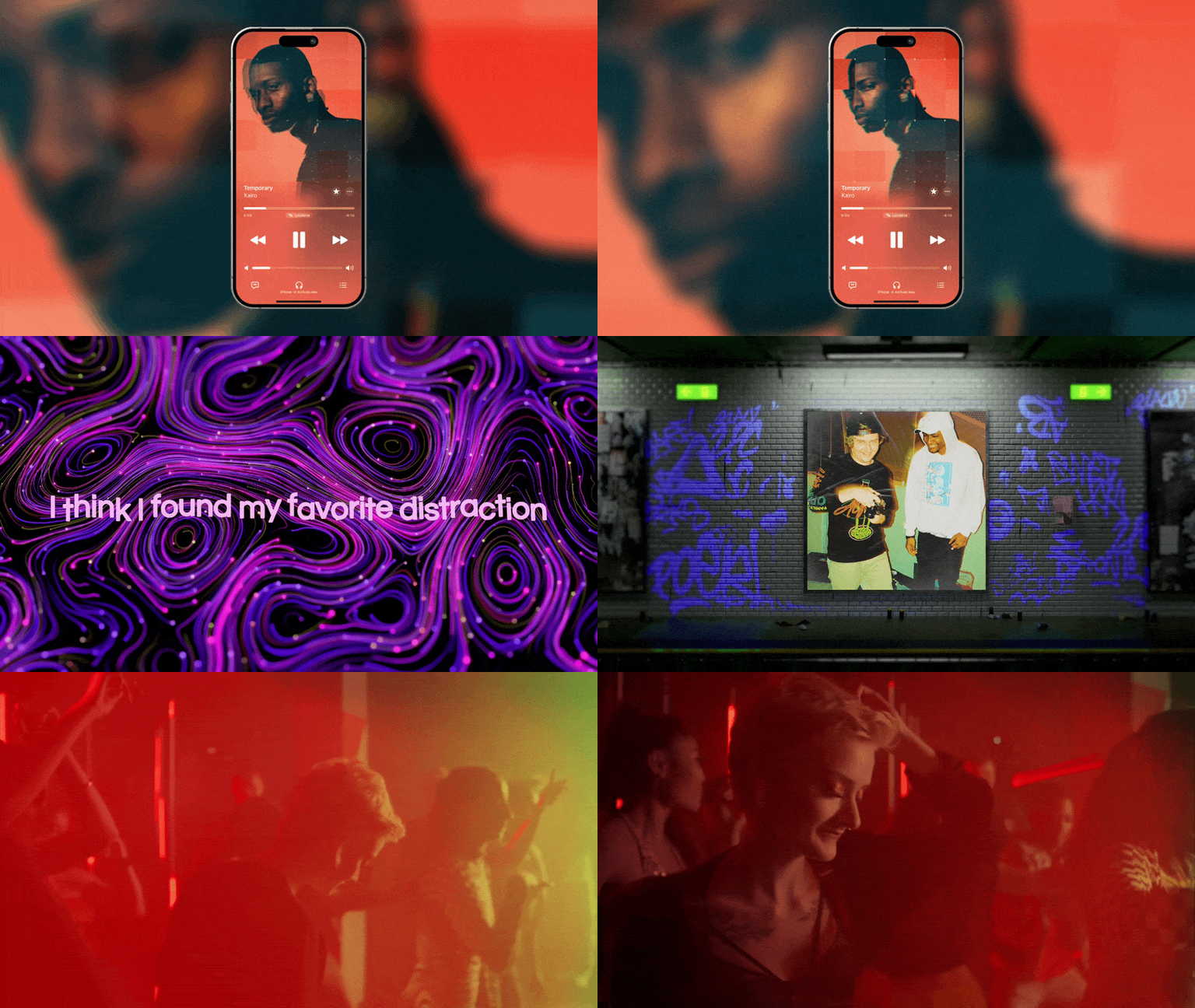
THE BRIEF: With his new single “Parapet” freshly released, Joshua set out to see how much of a full rollout he could build himself. He started with the asset that helps a new song travel furthest: a lyric video that lets listeners follow every word from the first play.
HOW HE USED ROTOR VIDEOS: Joshua uploaded “Parapet,” and Rotor’s Transcribe & Sync tool timed his lyrics to the track automatically, which saved him from placing each line by hand. Instead of using library clips, he brought in his own B-roll from the music video shoot. That kept the lyric video visually tied to the rest of his release. From there, he styled the lyrics line by line until the look matched the song.
HIS VERDICT: “Easy mode.”
Joshua’s approach shows that Rotor Videos works just as well with the footage you already have. If you’ve shot a music video, every extra minute of footage can become another asset for your campaign: a lyric video, a vertical teaser or a loop for your Canvas.
Matt Bacon (@bacons.bits): Music Industry Consultant
THE CREATOR: Matt Bacon is a music industry consultant and A&R specialist in heavy metal, whose clients have ranged from boygenius and Mitski to Cannibal Corpse. Since 2018, his daily Instagram series, Bacon’s Bits, has given bands quick, practical advice on the business of music. When he recommends a tool, he’s thinking about the artists in his audience who are running their own releases.
THE BRIEF: Matt wanted to show artists who would rather not spend hours editing how to build release visuals from start to finish. He started with nothing but a song, “Sloth,” and its cover art.
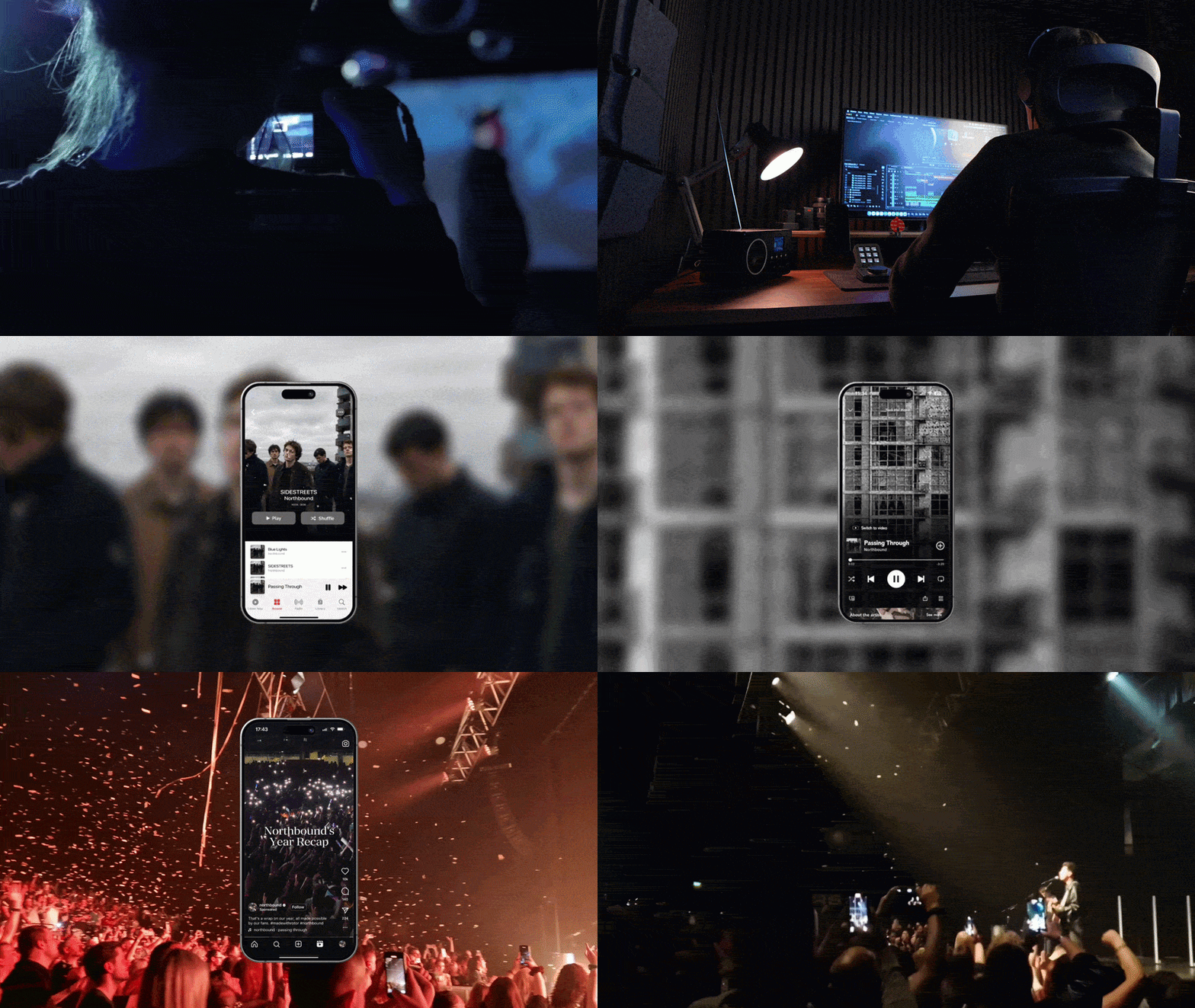
HOW HE USED ROTOR VIDEOS: Matt began with an Album Artwork Video, turning the static cover into a vertical 9:16 clip ready for Reels, TikTok and Shorts. Then he moved on to a full music video. He chose the Long Dissolves style and browsed Rotor Videos’ clip library for footage that suited the track, without shooting anything new. Once he’d picked his first selections, Rotor Videos used AI to edit the rest of the video together from real clips that match.
Matt’s walkthrough covers the opposite starting point from Joshua’s: no footage at all. A song and a cover image were enough to produce both a social-ready visual and a complete music video. For artists without a video budget or a shoot planned, that’s the difference between releasing with visuals and releasing without them.
Create More. Release Faster.
Joshua built a lyric video around his own B-roll. Matt went from cover art to a full music video without shooting a thing. Two different approaches led to the same result: finished visuals, ready to share, without weeks of editing.
That’s what Artist Unlimited makes possible for every song you put out. Plan your Canvas, lyric video, music video and social clips together, revisit your catalogue whenever you like, and keep creating for as long as the campaign runs.
Compare the plans at rotorvideos.com/pricing.
Catch us in December,
The Rotor Videos Team
Written by: Kayla Higgins, Copywriter & Content Coordinator